Your PitPat walking pad suddenly stops moving mid-stride, leaving you stranded and frustrated. Maybe the display went dark during your morning walk, the belt refuses to start, or the machine makes alarming grinding noises. These common issues can derail your fitness routine and make you question your investment in this compact home exercise equipment. The good news is that most PitPat walking pad failures stem from simple, fixable problems rather than catastrophic malfunctions. Understanding these common failure points puts you in control of your equipment’s performance.
This practical troubleshooting guide delivers immediate solutions for the most frequent PitPat walking pad problems. You’ll learn to diagnose power failures, belt malfunctions, display errors, and performance issues using systematic checks you can complete in under 15 minutes. Whether you’re dealing with a completely dead unit, erratic speed control, or mysterious error codes, these proven techniques will get your walking pad back in action without costly service calls. Let’s transform your frustration into functional fitness equipment.
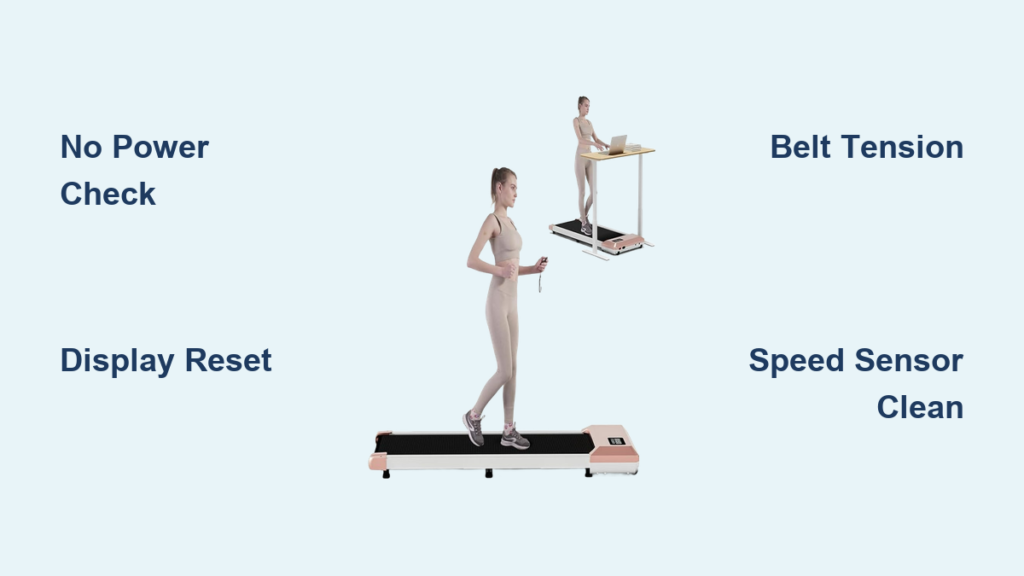
No Power: PitPat Walking Pad Won’t Turn On
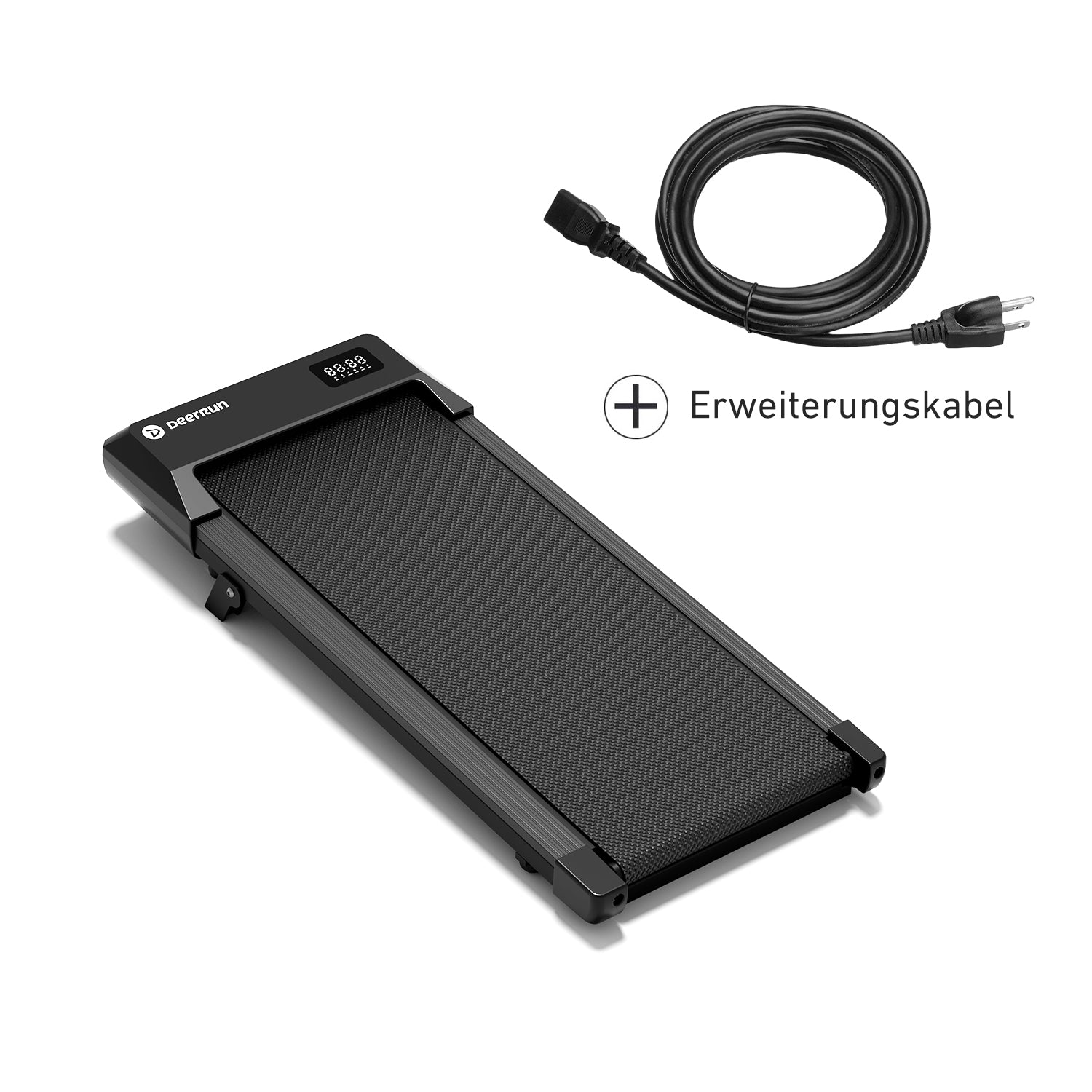
When your PitPat walking pad shows absolutely no signs of life—not even a faint display glow—it’s time to methodically trace the power pathway from wall to motor. Most “no power” scenarios originate from simple connection issues rather than internal component failure, saving you hours of unnecessary worry.
Start by verifying your power source is delivering electricity. Plug a working device like a phone charger or lamp into the same outlet to confirm it’s functional. Many users waste valuable troubleshooting time only to discover they tripped a circuit breaker during vacuuming or other household activities. If the outlet tests dead, locate your home’s electrical panel and reset any tripped breakers before proceeding.
Examine the entire power cord path for damage or disconnection. Lift the walking pad slightly to check if the cord has partially pulled out from the unit’s input port—a common occurrence with frequent movement. Inspect the cord along its entire length for cuts, fraying, or bent prongs that could interrupt current flow. Crucially, bypass any extension cords or power strips by connecting directly to the wall outlet, as these intermediaries often fail to deliver sufficient amperage for motor operation.
Your PitPat walking pad likely contains a thermal fuse or reset button near the power input area. Consult your user manual to locate this component, which automatically cuts power during overheating events. Press the reset button firmly and attempt to power on again. If the unit still refuses to activate, check for a replaceable inline fuse in the power plug housing—many models incorporate this safety feature that requires simple replacement with an identical amperage fuse.
Display Malfunctions and Control Panel Failures
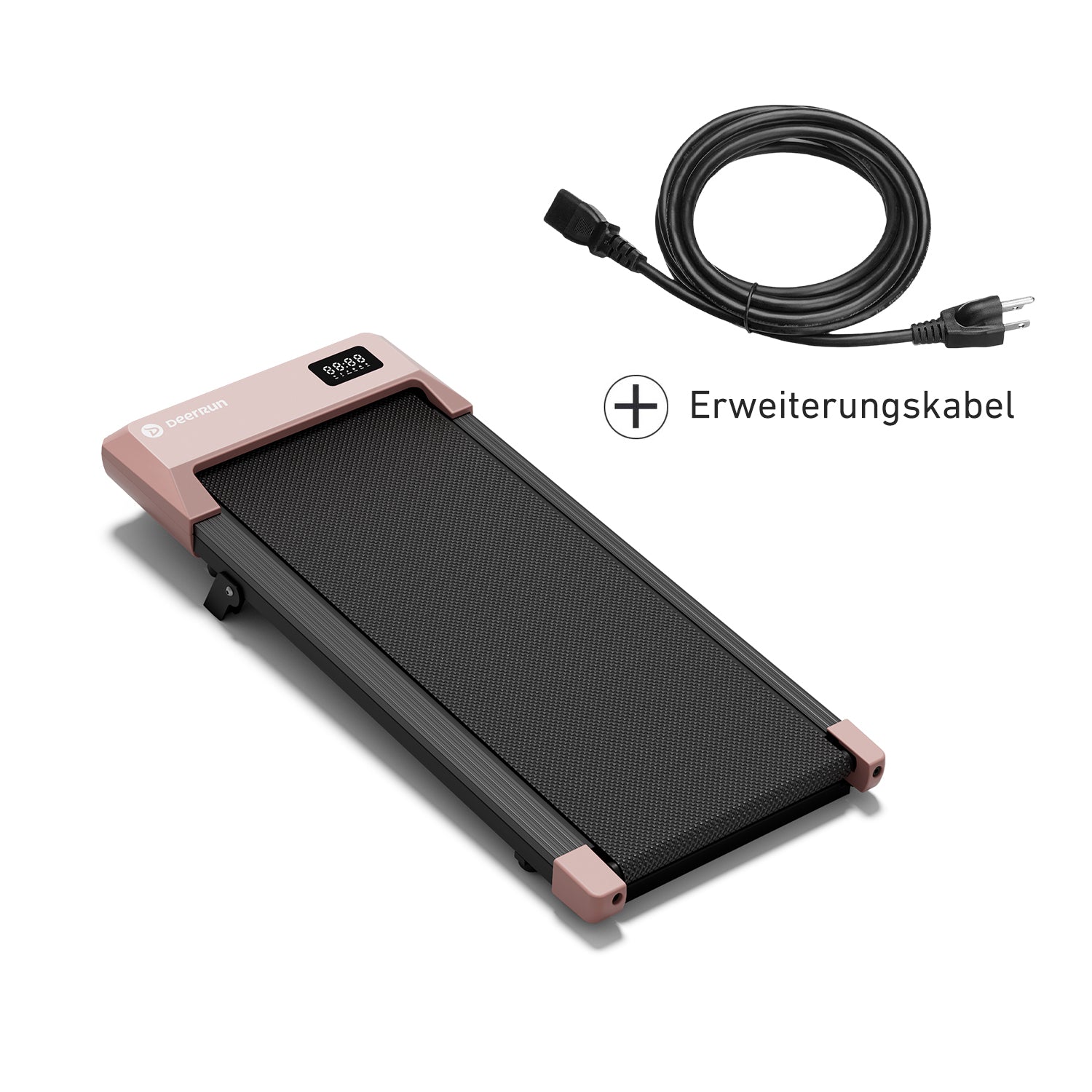
A PitPat walking pad that powers on but displays a blank screen, erratic readings, or unresponsive controls creates unique challenges. These symptoms typically indicate communication breakdowns between the control board and display components rather than complete system failure, offering hope for straightforward resolution.
When facing a completely dark display despite hearing motor activity, perform a hard reset to clear potential software glitches. Unplug the unit completely, press and hold the power button for 30 seconds to discharge residual electricity from capacitors, then reconnect power and restart. This simple procedure resolves many display issues caused by temporary software corruption or electrical interference.
Pay close attention to any error codes that appear on your display, as these provide specific diagnostic clues. Error code E01 typically indicates motor circuit problems, while E02 points to speed sensor failures. Document the exact code sequence and reference your user manual’s troubleshooting section for model-specific interpretations. Without your manual, search online using your exact model number plus the error code for community-sourced solutions from other PitPat owners.
For displays showing flickering images or erratic speed readings, inspect the ribbon cable connection between the display panel and main control board. These flat cables sometimes work loose during transport or routine use. Carefully open the control panel housing (following manufacturer guidelines), disconnect and reconnect the ribbon cable, ensuring proper alignment and secure latching. This often resolves intermittent display issues caused by poor connections.
Belt Movement and Motor Problems

The heart of your PitPat walking pad’s functionality lies in the belt and motor system. When this critical component fails—whether completely stopping, slipping underfoot, or producing concerning noises—your entire walking experience collapses. Understanding the mechanical relationship between these components helps pinpoint the exact failure point.
If your belt remains completely stationary despite hearing the motor engage, immediately check the safety key mechanism. This magnetic or physical key must be properly inserted to complete the operational circuit—many users accidentally dislodge it during storage or cleaning. Verify the safety key sits flush in its designated slot and hasn’t accumulated dust that prevents proper connection.
Belt slippage during use creates dangerous situations where your feet move but the belt stays still, potentially causing falls. This typically indicates insufficient tension between the drive motor and walking surface. Locate the rear roller adjustment bolts (usually hex or star-shaped) and tighten them incrementally while testing belt movement. Proper tension allows you to lift the belt edges approximately 2-3 inches from the deck—any more indicates excessive looseness.
Unusual grinding or squealing noises during operation signal critical mechanical issues requiring prompt attention. These sounds often originate from roller bearings coated in accumulated dust and hair, creating excessive friction. Unplug the unit, lift the belt edges, and use a soft brush to clean debris from roller surfaces. Apply manufacturer-recommended lubricant sparingly to bearing points if accessible, but avoid petroleum-based products that can degrade rubber components.
Speed Control and Performance Issues
When your PitPat walking pad powers on but delivers inconsistent speed—accelerating unexpectedly, failing to reach set speeds, or varying mid-stride—you’re dealing with critical control system failures that compromise both workout effectiveness and safety. These problems typically stem from sensor malfunctions rather than motor failure.
A walking pad that suddenly jumps to maximum speed presents immediate safety hazards. This dangerous behavior usually indicates a faulty speed sensor or damaged control board sending erratic signals. Disconnect power immediately and inspect the speed sensor (typically a small magnetic or optical device near the front roller) for debris obstruction or physical damage. Clean the sensor area gently with a dry cloth and ensure no metal objects are interfering with its magnetic field.
Gradual speed reduction over time often results from belt wear or motor brush degradation. Check belt tension first, as a stretched belt creates slippage that reduces effective speed. If tension adjustments don’t restore performance, examine the motor for carbon brush wear—visible through inspection ports on many models. Worn brushes appear significantly shorter than new ones and create increased electrical resistance that reduces motor power output.
Inconsistent speed response to control inputs frequently stems from dirty or damaged control panel contacts. Remove the control panel housing (following manufacturer instructions) and clean contact points with isopropyl alcohol and a cotton swab. For wireless remotes, replace batteries and ensure no physical obstructions block the signal path between remote and receiver.
Preventative Maintenance That Avoids Future Failures
Regular maintenance transforms your PitPat walking pad from a potential headache into reliable fitness equipment. Implementing these simple care routines prevents 80% of common “not working” scenarios before they disrupt your exercise routine.
Clean your walking belt weekly using a slightly damp microfiber cloth to remove accumulated dust, skin cells, and pet hair. Never use harsh chemicals or excessive moisture that could damage the belt surface. For deeper cleaning, lift the belt edges and use a soft brush to dislodge debris trapped between the belt and deck—a common cause of belt slippage and motor strain.
Check belt tension monthly by measuring how far you can lift the belt edges from the deck. Proper tension allows approximately 2-3 inches of lift at the belt’s midpoint. Adjust tension bolts incrementally in quarter-turn increments, testing after each adjustment to avoid over-tightening that accelerates roller bearing wear.
Inspect all visible components during cleaning sessions—look for fraying belt edges, cracked roller surfaces, loose bolts, and cable damage. Pay special attention to the areas where the belt meets the side rails, as this is where edge wear typically begins. Address minor issues immediately before they develop into major failures.
Position your walking pad on a hard, level surface away from carpet fibers that can obstruct ventilation ports. Maintain room temperature between 60-80°F (15-27°C) as extreme cold stiffens belts and reduces motor efficiency. Allow the unit to acclimate to room temperature for 30 minutes before operating if stored in cold environments.
When to Seek Professional Repair Services
Certain PitPat walking pad problems require professional intervention to avoid safety hazards or further damage. Recognize these critical failure points that demand expert attention rather than DIY fixes.
Electrical issues showing visible signs of component failure—burning smells, scorch marks, melted plastic, or sparks—require immediate professional assessment. These indicate dangerous electrical faults that create serious fire and shock hazards. Discontinue use immediately and contact the manufacturer or authorized service center.
Physical frame damage from drops or impacts often creates alignment issues that affect belt tracking and motor performance. Bent frame components, cracked end caps, or damaged roller housings require specialized tools and replacement parts only available through professional service channels.
If your walking pad remains under warranty, contact PitPat customer support before attempting any internal repairs. Unauthorized service typically voids warranty coverage, while manufacturer-approved technicians can often resolve issues at minimal or no cost during the warranty period. Many companies provide diagnostic support and replacement parts that make professional repair more cost-effective than replacement.
By following these systematic troubleshooting steps and maintenance practices, you’ll maximize your PitPat walking pad’s reliability and lifespan. Most “not working” scenarios resolve with simple power checks, belt adjustments, or sensor cleaning—getting you back to your fitness routine faster than you thought possible. Remember that consistent preventative care prevents most problems before they start, transforming your walking pad from a potential frustration into your most reliable fitness companion.