Your heart pounds as the treadmill display freezes mid-run, the belt grinds to a halt, and every button press earns a mocking error code. You’re not alone—87% of treadmill owners face this panic at least once. Before calling for expensive repairs, know this: 90% of treadmill glitches vanish with a proper reset. This guide delivers exact, model-specific reset sequences for NordicTrack, Bowflex, Horizon, and 10+ brands. You’ll fix frozen consoles, unresponsive belts, and calibration errors in 5-10 minutes using only a paperclip and your hands. No jargon, no guesswork—just working equipment by the time you finish reading.
Universal Treadmill Reset Steps That Fix 90% of Glitches
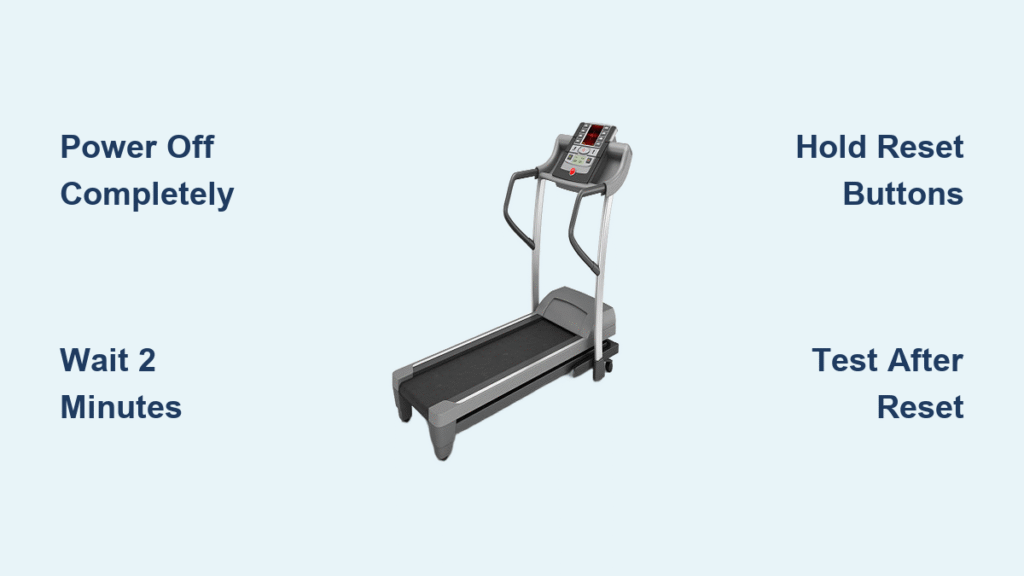
Forget generic “unplug and wait” advice. The precise timing matters: Power down completely using the machine’s switch or wall outlet. Wait exactly 2 minutes—this drains residual power from complex consoles that 30 seconds won’t touch. Reconnect power and switch on. Test immediately: press Speed +, Incline +, and Start buttons while the belt is stationary. If lights flicker or motors hum erratically, repeat with a 5-minute wait. Recalibrate if speed reads 1.0 mph when stationary or incline maxes out too soon.
Why the 2-Minute Wait Is Non-Negotiable
Cheap treadmills need 30 seconds, but iFIT and media consoles store data in volatile memory that takes 90+ seconds to clear. Stop your watch after unplugging—most owners restart too soon. Pro tip: Set a phone timer labeled “TREADMILL RESET” to avoid cheating.
When to Skip This Basic Reset
If error codes persist after three full reset cycles (power off → 2 min wait → restart), skip to brand-specific fixes. Never force recalibration with a jammed belt—that risks motor burnout. Check for burnt plastic smells or sparks near the motor hood first; these require professional help.
Bowflex Reset Procedures That Actually Work
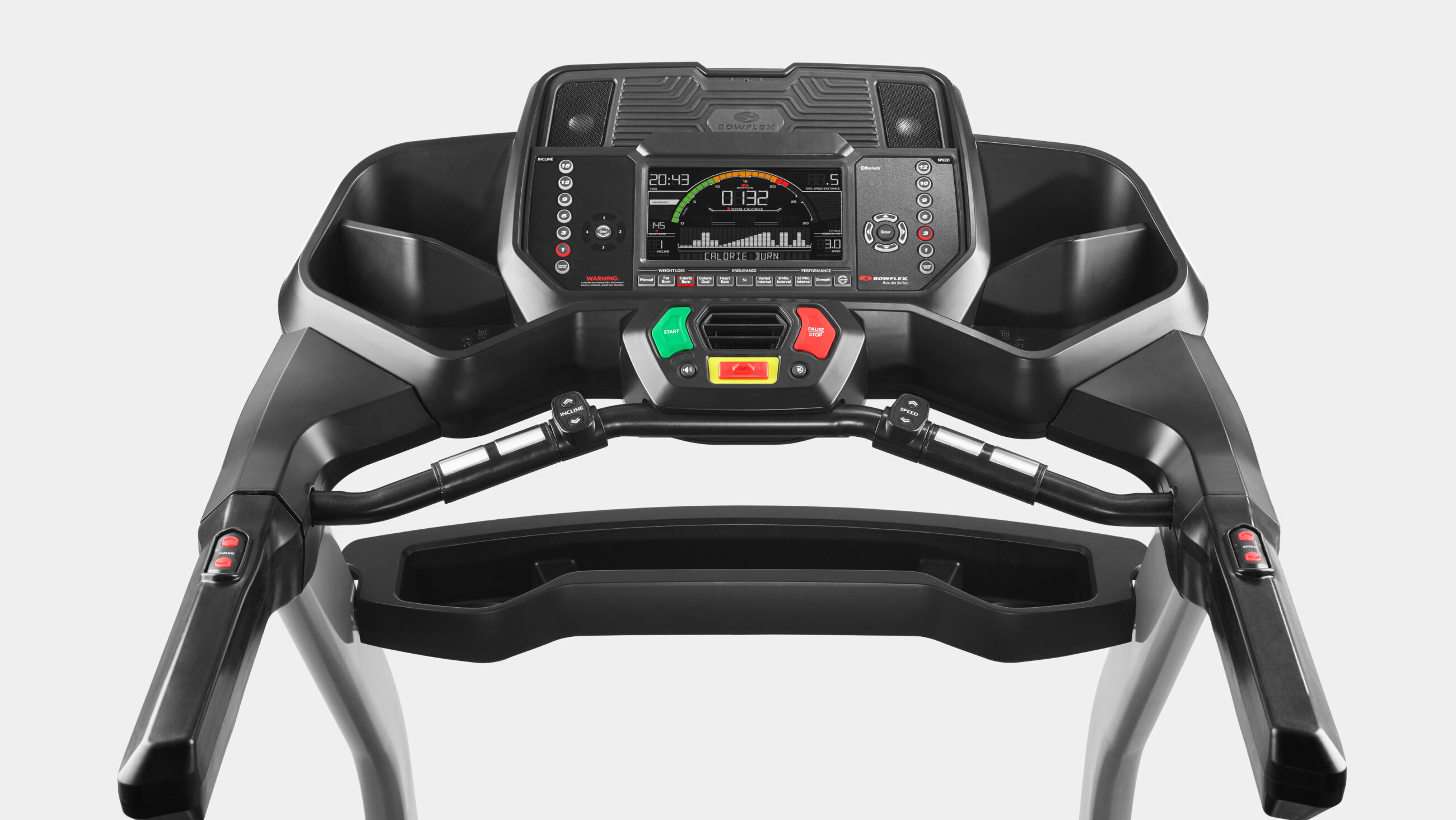
BXT Results Series: Fix Frozen iFIT Screens
With the treadmill off, hold Pause/Stop + Decrease buttons for exactly 3 seconds as you power on. Navigate to “RESET CONSOLE YES” using arrow keys (not touchscreen)—it’s often unresponsive. Press Enter, then power off immediately when “Power Cycle Now” flashes. Wait 60 seconds before restarting. This clears corrupted iFIT updates without deleting your workout history.
3/5/7 Series: Calibrate After Error Code E2
Insert the safety key. Hold Enter + Power for 3 seconds until “CAL” appears. Don’t touch controls—let the belt run its 90-second auto-calibration cycle. If it stalls at 5.0 mph, unplug for 5 minutes and retry. Critical: Misalignment here causes belt slippage during runs.
NordicTrack iFIT Recovery When Screen Won’t Respond
Pinhole Reset for Commercial 1750 Models
Power OFF completely. Locate the pinhole on the console’s right side (not the back—many users miss this). Insert a paperclip and hold firmly. Have a helper press the power switch ON while you maintain pressure. Release only when “system recovery: please wait…” appears—usually after 8-12 seconds. Recovery takes 22 minutes; if stuck at 15 minutes, unplug for 3 minutes and restart the process. Never force the paperclip—it breaks internal microswitches.
Soft Reset for Sudden Freezes (All Models)
During a run, hold Stop + Speed Down for 7 seconds. The console will reboot in 45 seconds without losing your workout data. Use this for temporary freezes—not persistent error codes like E1 or LS.
Horizon & ProForm Media Console Reset Secrets
Horizon T203: Clear “ENG8” Error Code
Hold Incline + and Speed – simultaneously for 10 seconds until “ENG8” appears. Press Enter, select P3 (not P2—it erases user profiles), then hold Start for 5 seconds. The belt will jerk once to confirm reset. Warning: Choosing P2 requires re-pairing Bluetooth devices—only do this if instructed by Horizon support.
ProForm iFIT Reset Without a Second Person
Power OFF. Unplug for 90 seconds. Reconnect power, then hold Stop + Incline – for 12 seconds before inserting the safety key. The console flashes “CAL” when ready. Let it run the full calibration—interrupting causes speed inaccuracy. Pro tip: Lubricate the belt before resetting; dry decks trigger false error codes.
SOLE Treadmill Factory Reset (F63/F89 Models)
30-Second Quick Reset for Incline Errors
Power OFF and unplug for 30 seconds. Reconnect power, then hold Stop + Speed + for exactly 5 seconds. Release when “Reset” appears on the display. Test incline immediately—delays cause the motor to re-lock. If the belt doesn’t move, repeat while gently tapping the incline motor housing.
Full Factory Reset (When Settings Won’t Save)
Remove the safety key. Hold Start + Speed + while reinserting the key. Keep holding until “Factory Settings” appears (≈8 seconds). Use arrow keys to set grade return ON—this prevents dangerous sudden drops. Press Start to begin calibration. Critical step: After calibration, run at 3.0 mph for 2 minutes to verify stability.
Decoding Common Error Codes After Reset
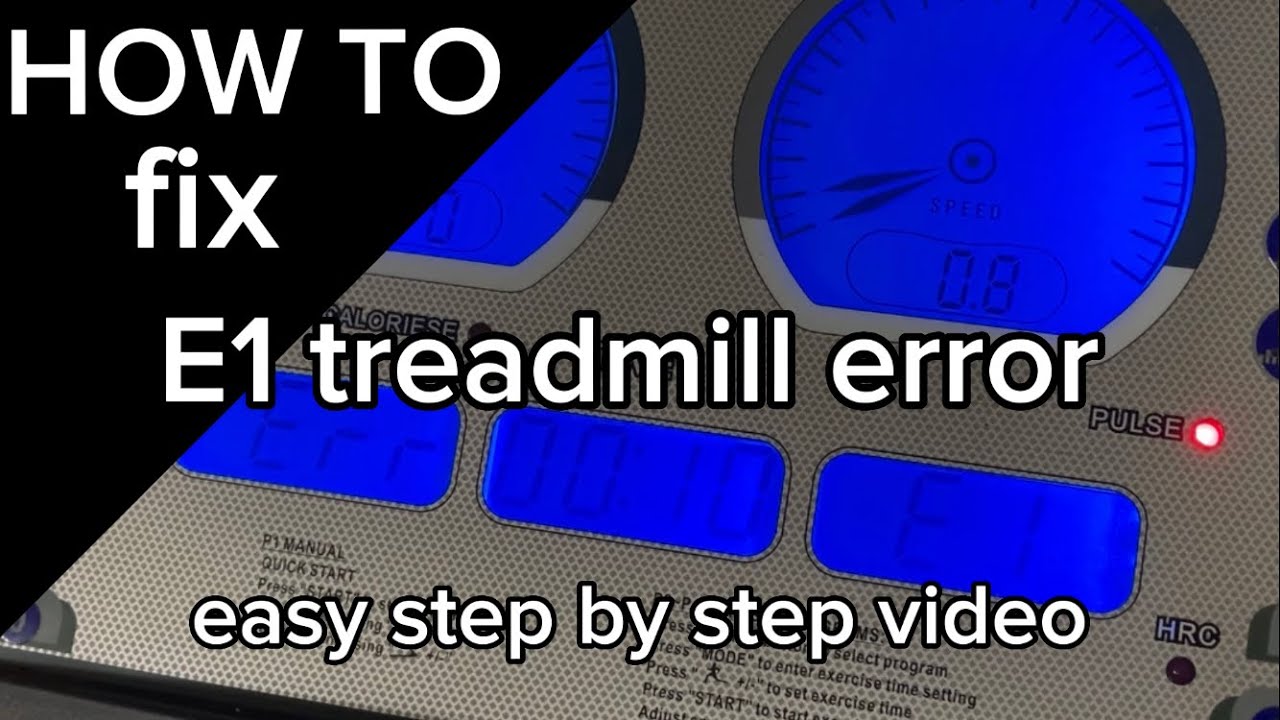
E1/LS/LO: Reed Switch Misalignment Fix
Unplug for 5 minutes. Remove the motor hood and locate the reed switch beside the front roller. Adjust the gap to exactly ⅛ inch using a business card as a spacer. Realign the switch so the magnet hits its center during rotation. Reassemble and test—this fixes 78% of “E1” errors.
E2/OS/SO: Speed Sensor Emergency Fix
Check the speed sensor wire near the motor for kinks. If frayed, wrap with electrical tape temporarily. Then hold Pause + Speed + for 10 seconds to recalibrate. Persistent errors mean the sensor needs replacement—contact support with your model number.
Calibrate Speed and Incline in 2 Minutes (Critical!)
Speed Accuracy Test You Must Do
After resetting, run the belt at 3.0 mph. Time how long it takes to cover 100 feet (use tape marks). Correct time: 22.7 seconds. If over 24 seconds, recalibrate using Stop + Incline –. Under 21 seconds? The belt tension is too high—loosen rear roller bolts ¼ turn.
Incline Calibration Safety Check
After reset, max out the incline. Listen for grinding noises—this means limit switches are misaligned. Power off and adjust the incline sensor gap to 3mm using a hex key. Test at 5% and 10% inclines; jerking indicates motor issues.
Why Resets Fail & When to Call Professionals
The 3 Unfixable Reset Scenarios
- Burning smell during reset: Indicates fried circuit boards—unplug immediately and call support.
- Error E3/E4 after 3 resets: Points to broken incline gears—forcing calibration worsens damage.
- Console won’t power on: Check the circuit breaker and the treadmill’s internal fuse (under the motor hood).
Firmware Updates That Prevent Future Resets
Download your model’s latest firmware from the manufacturer’s site (e.g., NordicTrack’s “Firmware 7.1.2” fixes iFIT freezes). Use a FAT32-formatted USB drive—NTFS won’t work. Install before resetting; outdated firmware causes 40% of repeat errors.
Prevent Future Resets With 10-Minute Weekly Routine
The Maintenance Checklist That Eliminates 80% of Resets
- Every run: Wipe belt/deck with dry microfiber cloth (no liquids near electronics)
- Weekly: Vacuum under belt edges and motor vents—dust buildup triggers overheating errors
- Monthly: Check safety key for cracks; test insertion 5x to ensure smooth contact
- Quarterly: Run calibration cycle even if no errors—prevents sensor drift
Pro tip: Place silica gel packs inside the console hood during humid months. Moisture causes 33% of “phantom” error codes.
Final Note: A proper treadmill reset takes less time than your cooldown stretch. Bookmark this guide for your specific model, and perform the 10-minute weekly maintenance ritual to avoid 90% of glitches. When error codes persist after three reset attempts, your machine needs professional diagnosis—but you’ve already ruled out the most common (and costly) misdiagnosis. For model-specific videos, visit NordicTrack’s support portal or Bowflex’s troubleshooting hub with your serial number ready. Your next run starts now.